Qavyo for restaurantsOne restaurant system. From the first table to the final count.
Take orders, run the kitchen, control food cost and know how the day went - without making your team switch between systems.
Full Qavyo for 30 days. No setup fee, no long-term contract.
Moving from another system? Our team helps move your menu, set up your devices and get your first service ready.
Real screens - demo restaurant One connected serviceGive the floor, the kitchen and the office one version of every order.
Built for the handover between people, not just the screen in front of them.
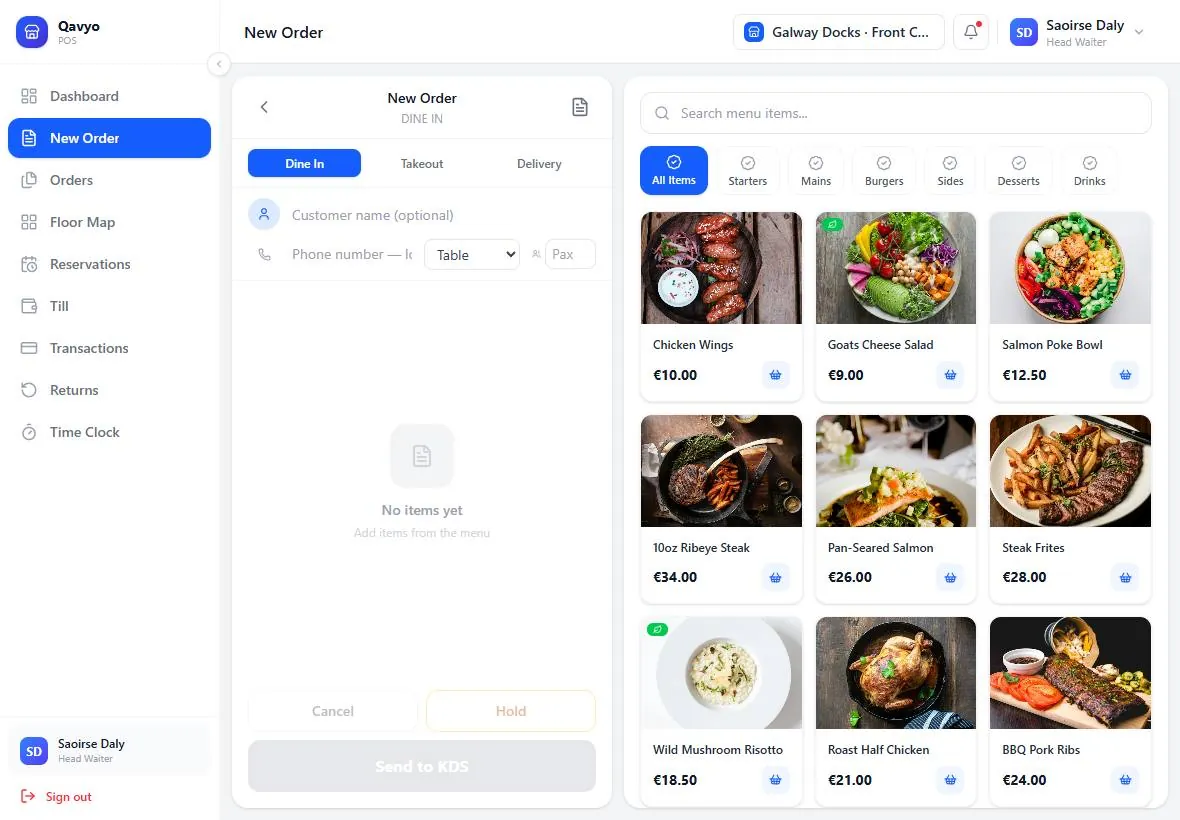
- 01Run every orderTake dine-in, takeaway, delivery and QR table orders in the same connected service.
- 02Keep the kitchen movingSend each item to the right station, on a ticket printer or kitchen display.
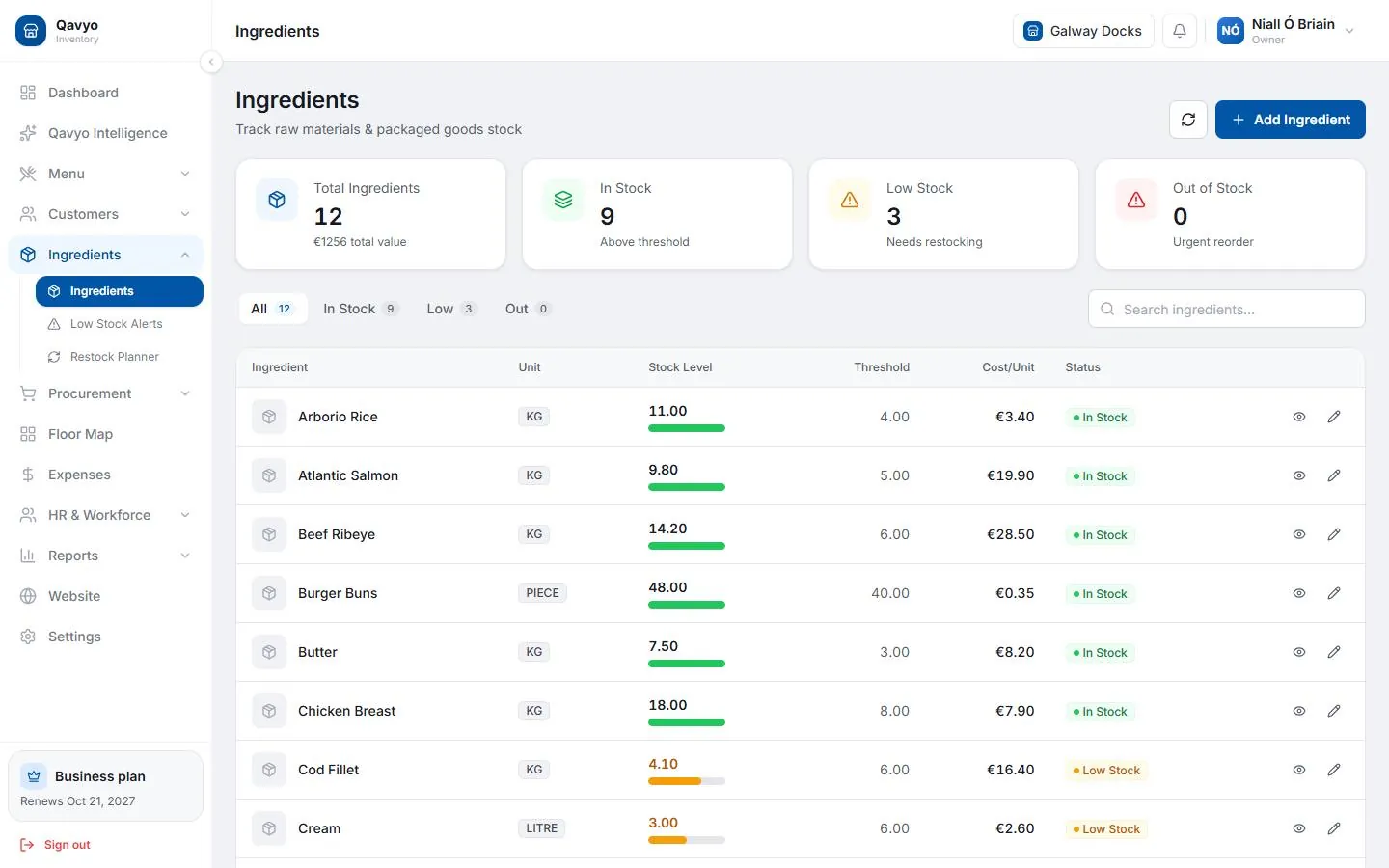
- 03Know the cost of every dishIngredients, purchasing and stock movement stay connected to what you sell.
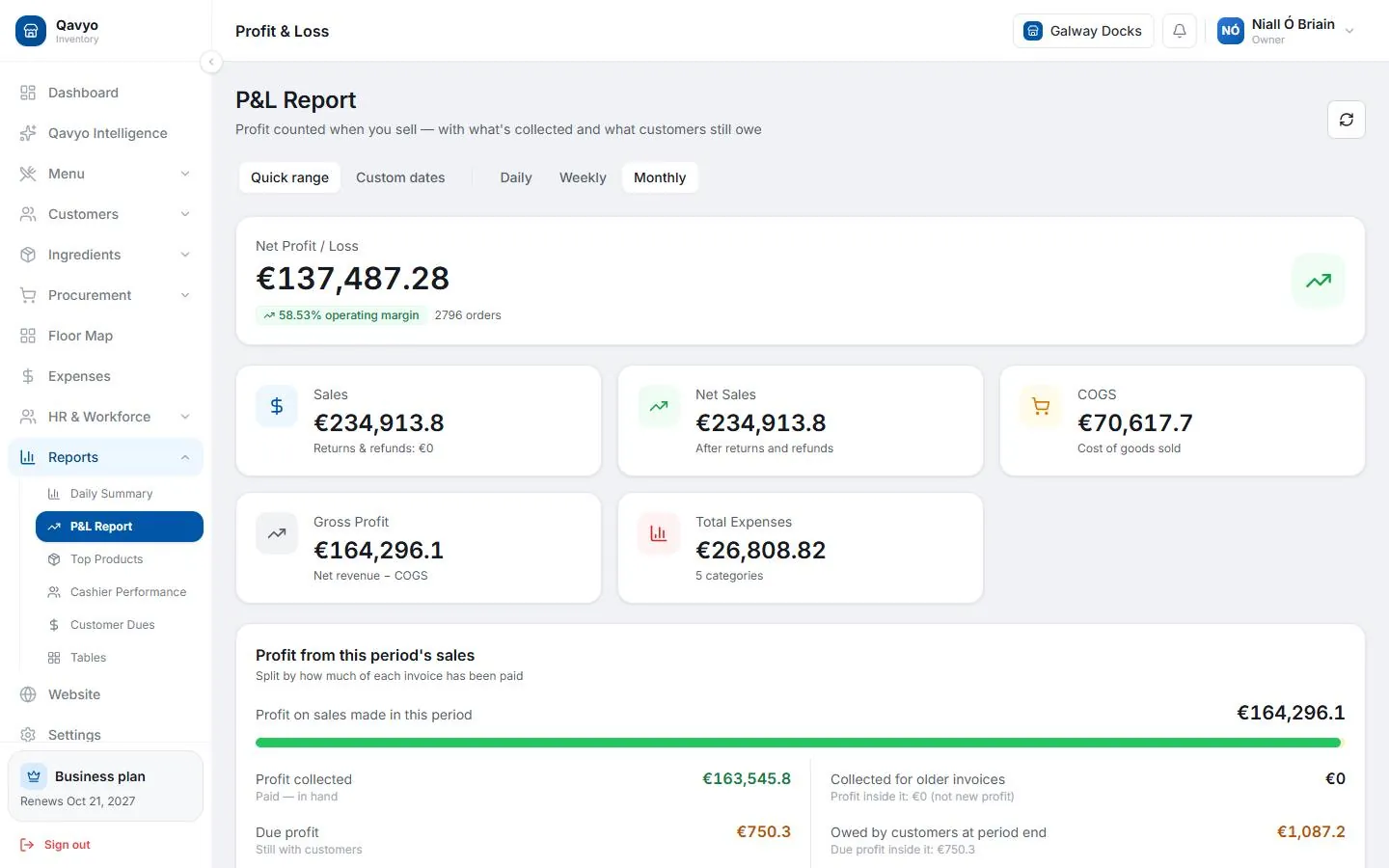
- 04Finish the day with clarityManage time, close the till and see sales, costs and profit in the back office.
Front of houseSee the room. Open the right order. Keep guests moving.
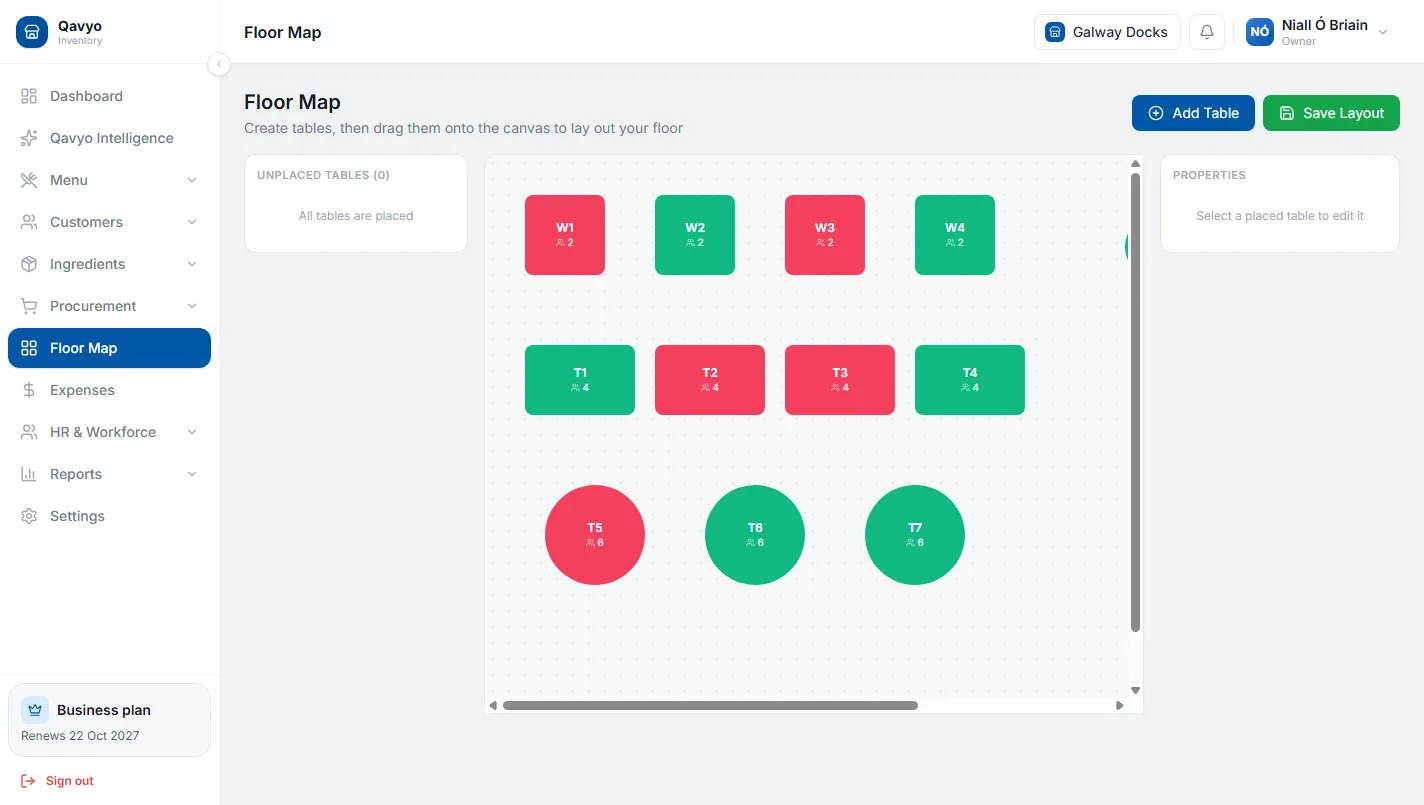
- Tables and floor plan show what is free, seated or reserved before staff walk across the room.
- Orders follow the table, whether they start at the till, through QR or with a server.
- Payments stay in the order, so the bill, split and final count match the service.
See the service flow › Back of houseFrom the pass to the prep station, everyone sees what matters.
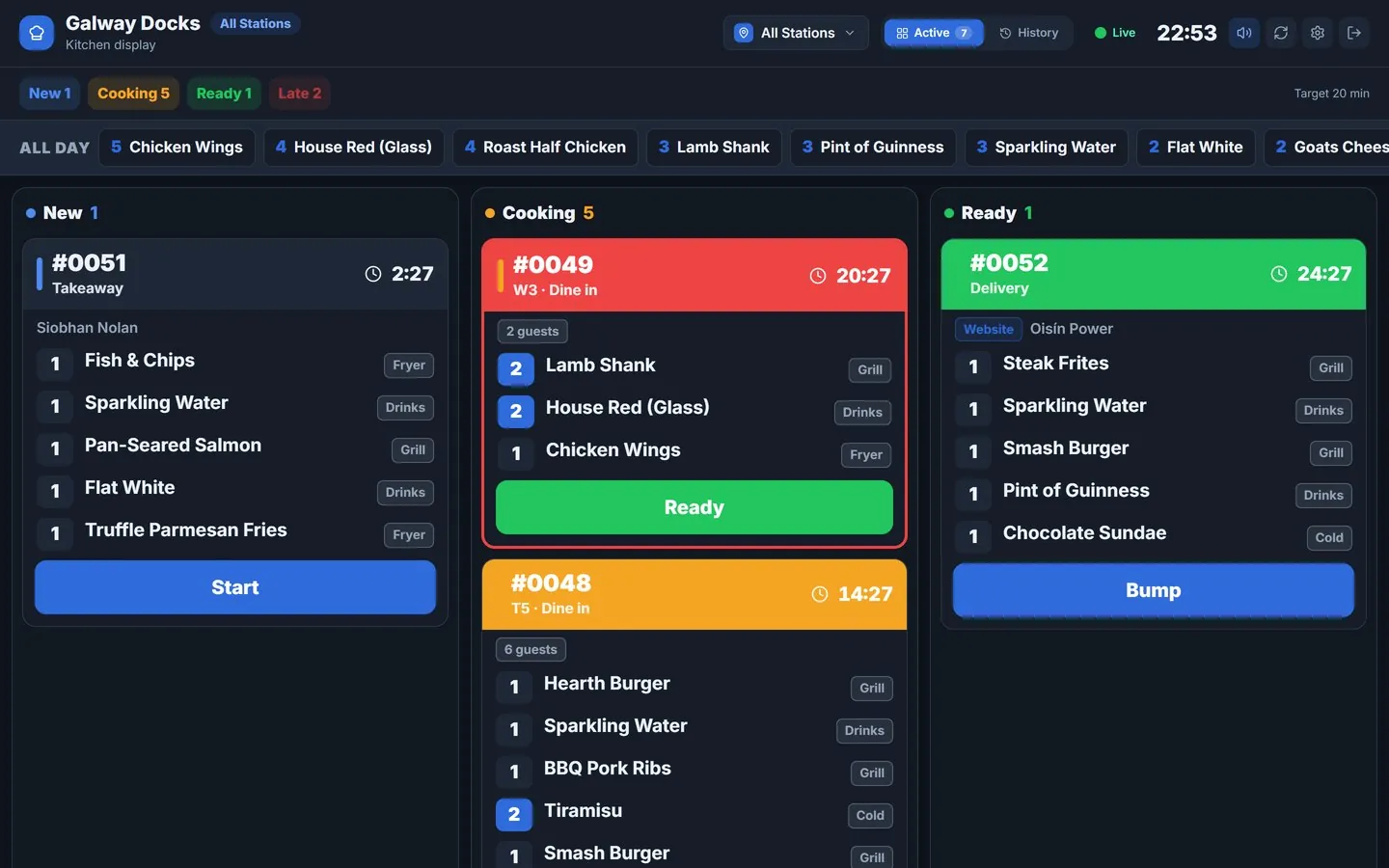
- Route items by station so grill, fryer, drinks and packing only receive the work that belongs to them.
- Use printer tickets or a kitchen display with clear order states and elapsed timers.
- Keep working offline when the internet drops: the Android till continues printing and the kitchen can stay connected over shop Wi-Fi.
After serviceTurn a busy shift into clear next steps.
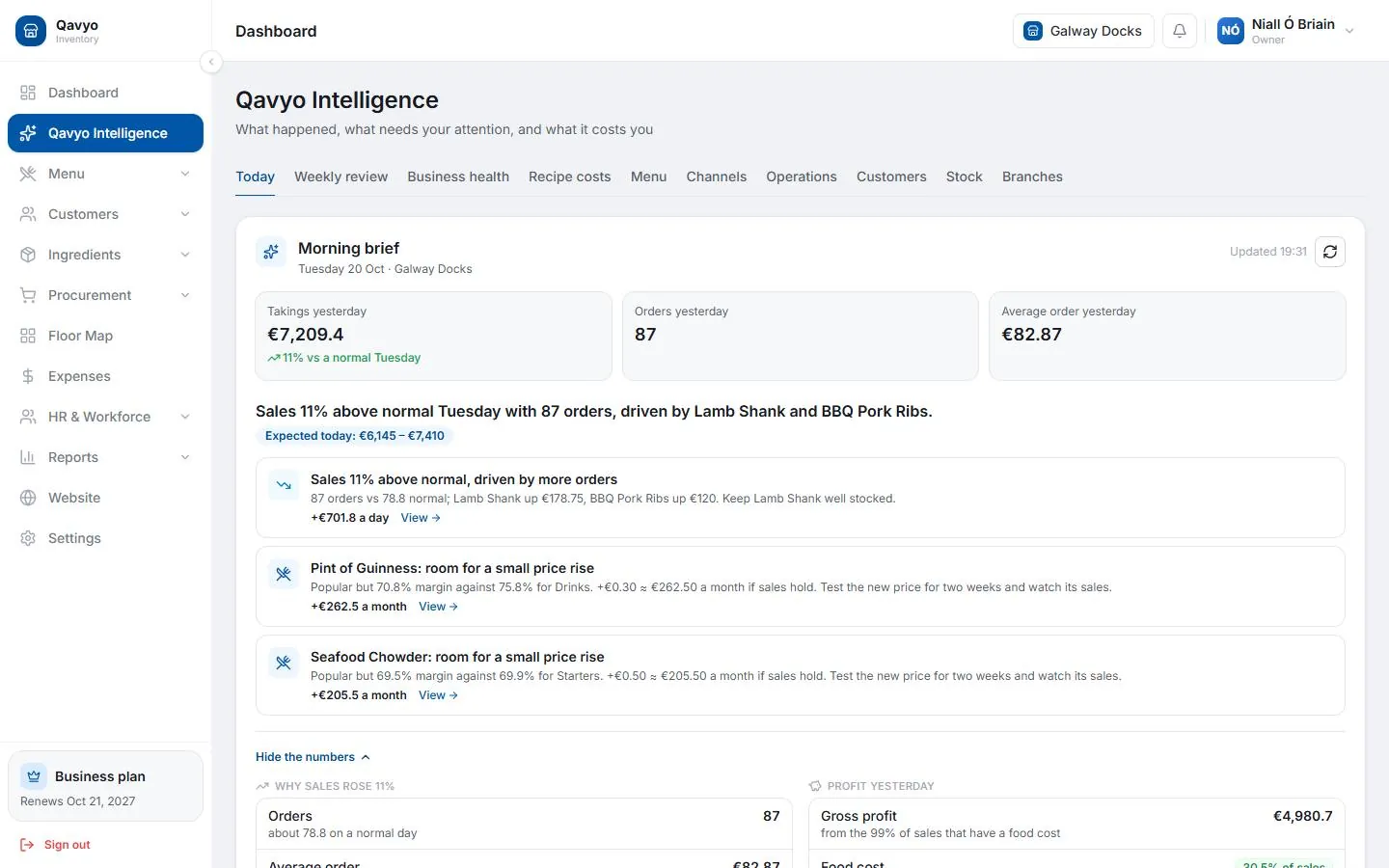
The back office connects what was sold with what it cost, who worked and what needs attention tomorrow.
See Qavyo Intelligence ›Ingredients and purchasingStaff, rota and payroll (Growth and Business)Day close and reportsMorning brief and weekly review
Built around the way your restaurant serves.
Full-service restaurants
Run tables, reservations, split bills and the kitchen from one connected system.
Cafes and quick service
Keep a fast counter moving with choices, payments and clear kitchen tickets.
Takeaway and delivery
Keep collection, delivery and walk-in orders together without losing the kitchen flow.
Groups and branches
Give every location its own view while keeping the menu, team and numbers connected.
We help you get set up, not just sign up.
Moving from another system? Our team helps move your menu, set up your devices and printers, and get your team ready for the first service.